
PDF viewer & editor
STAWN PDF Pro
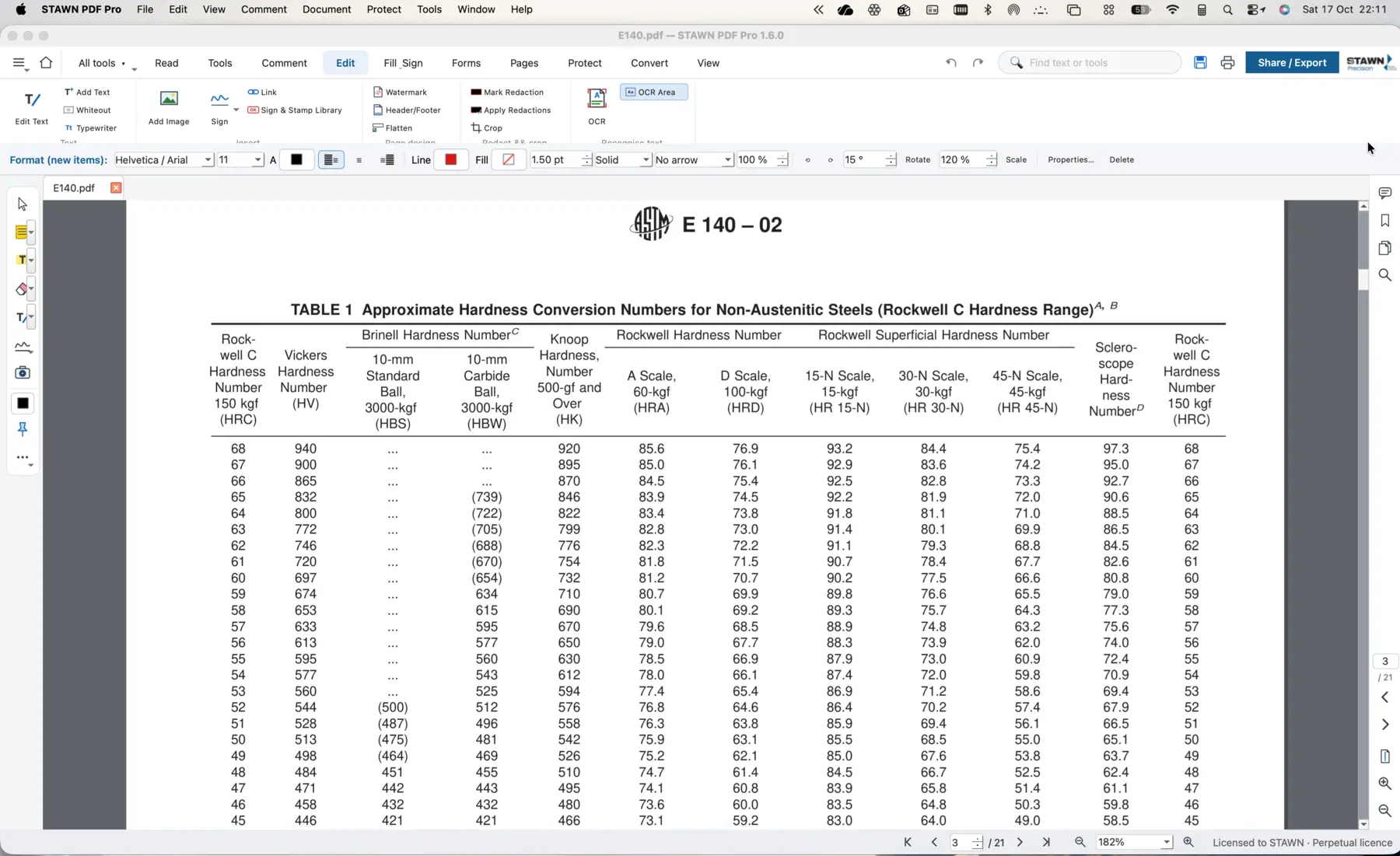
A full PDF workspace for drawings, standards and quality records. Mark up, edit and export without sending documents outside the plant.
- Windows 11
- macOS
- Offline
How it works
The track, step by step.
- 01OpenDrawing, standard or report
- 02Mark upAnnotate, highlight, edit
- 03ExportPDF, Word or image
- 04ProtectPassword on exported files
STAWN SIIntelligent System layer in PDF Pro
Working today
- Offline processing: documents never leave the PC
On the SI roadmap
- Text extraction from scanned drawings
- Table extraction from test certificates into QCMS
Benefits
What changes on your line.
- Accuracy
Edits and markups stay on the original document.
- Time saving
One tool for viewing, editing and converting.
- Cost effectiveness
Per-PC licence instead of recurring subscriptions.
- Less human dependency
Same tool across the plant, simple to train.
Features
What PDF Pro controls.
- Edit, annotate and mark up
- Export to PDF, Word, JPG and PNG in HD and small sizes
- Password protection on exported files
- 10-day trial, per-PC licence
Related systems
Works together with
Office suite
STAWN Office Pro
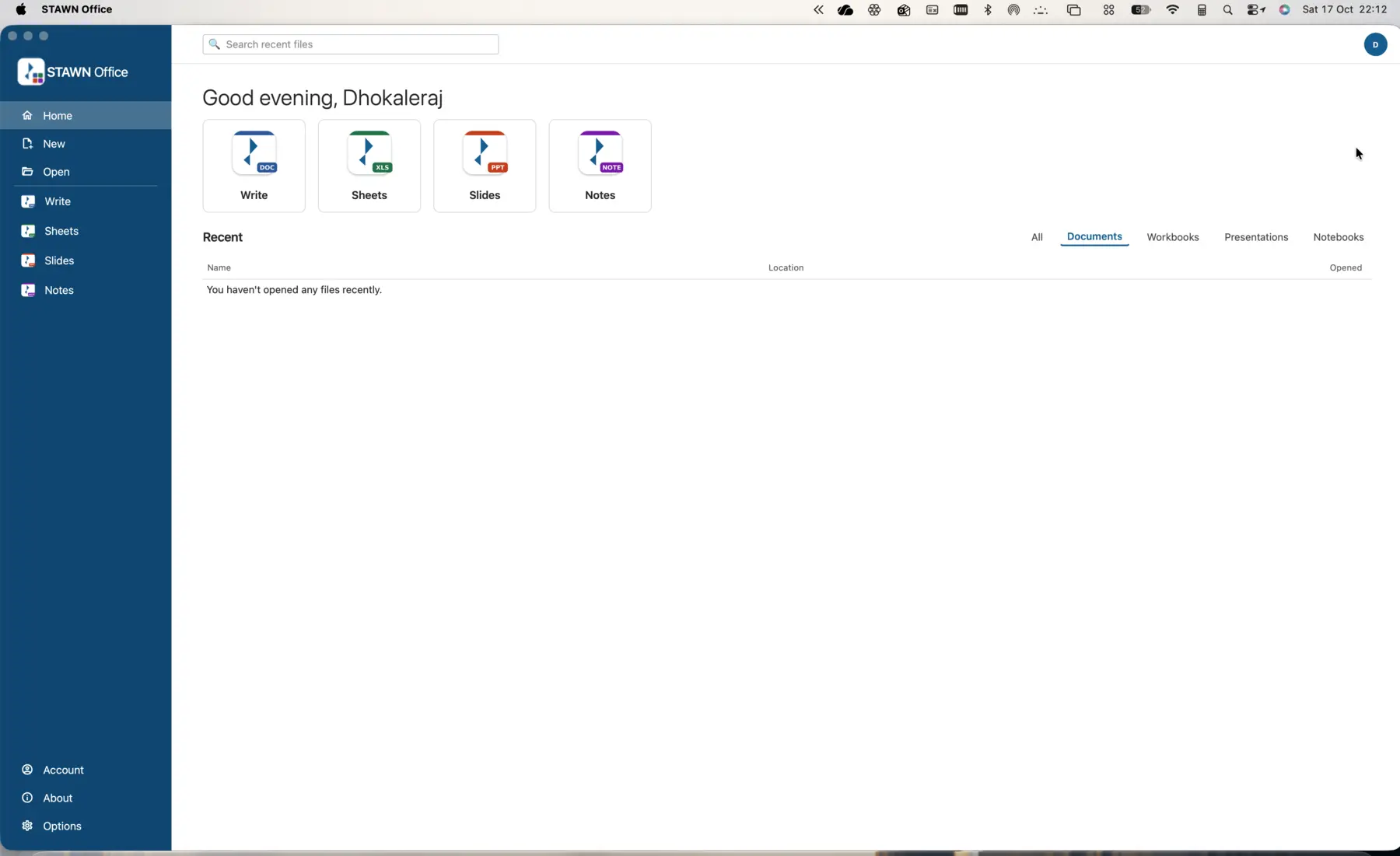
STAWN Write, Sheets, Slides and Notes in one licensed suite for the documentation work around a manufacturing operation.
- Windows 11
- macOS
Payroll & attendance
STAWN Payroll
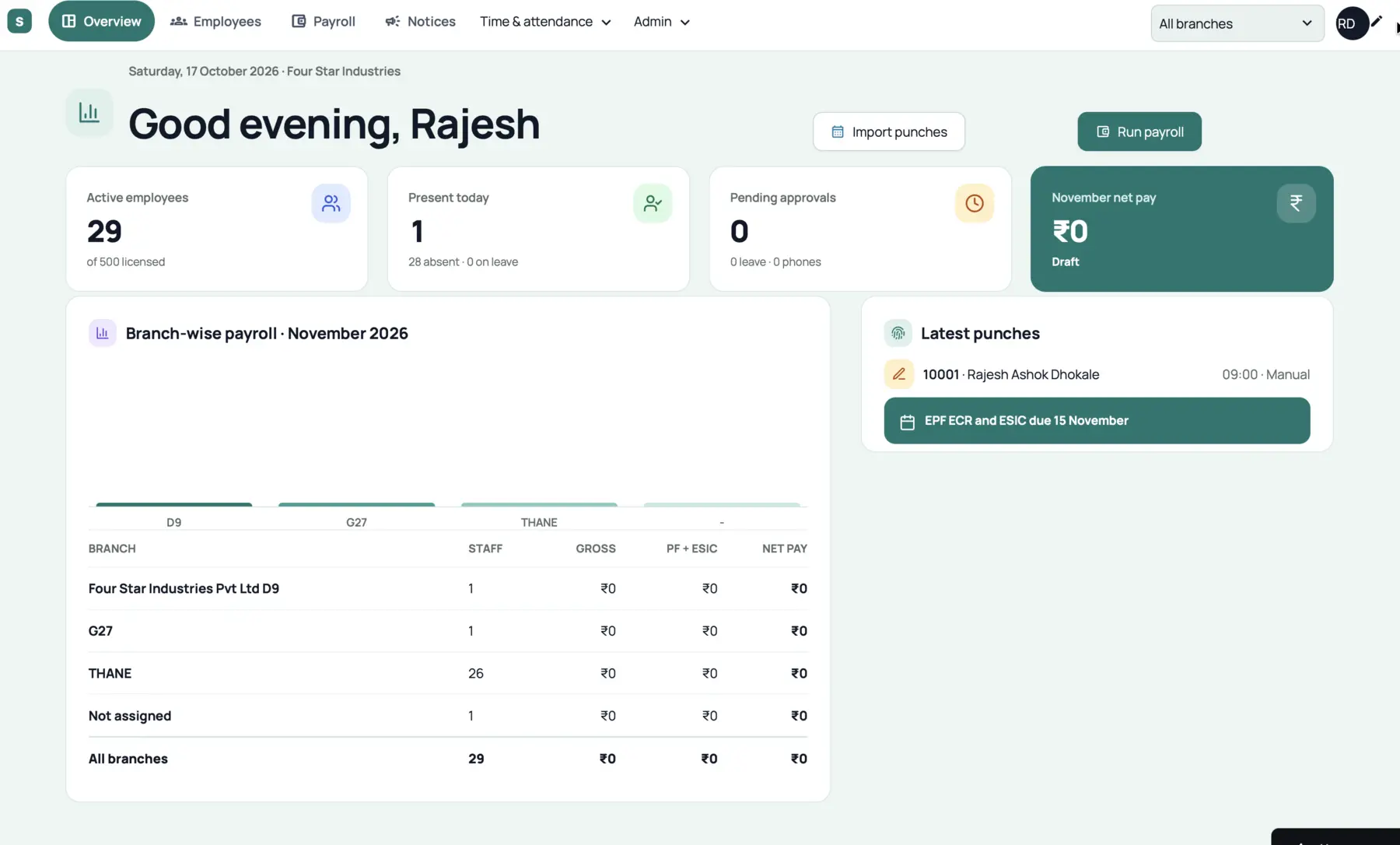
Indian payroll with PF, ESIC and PT, biometric device import and mobile attendance with location, branch-wise and combined.
- Cloud
- Web
- Android
- iOS
Packing validation & traceability
Pack Out / Ship Out
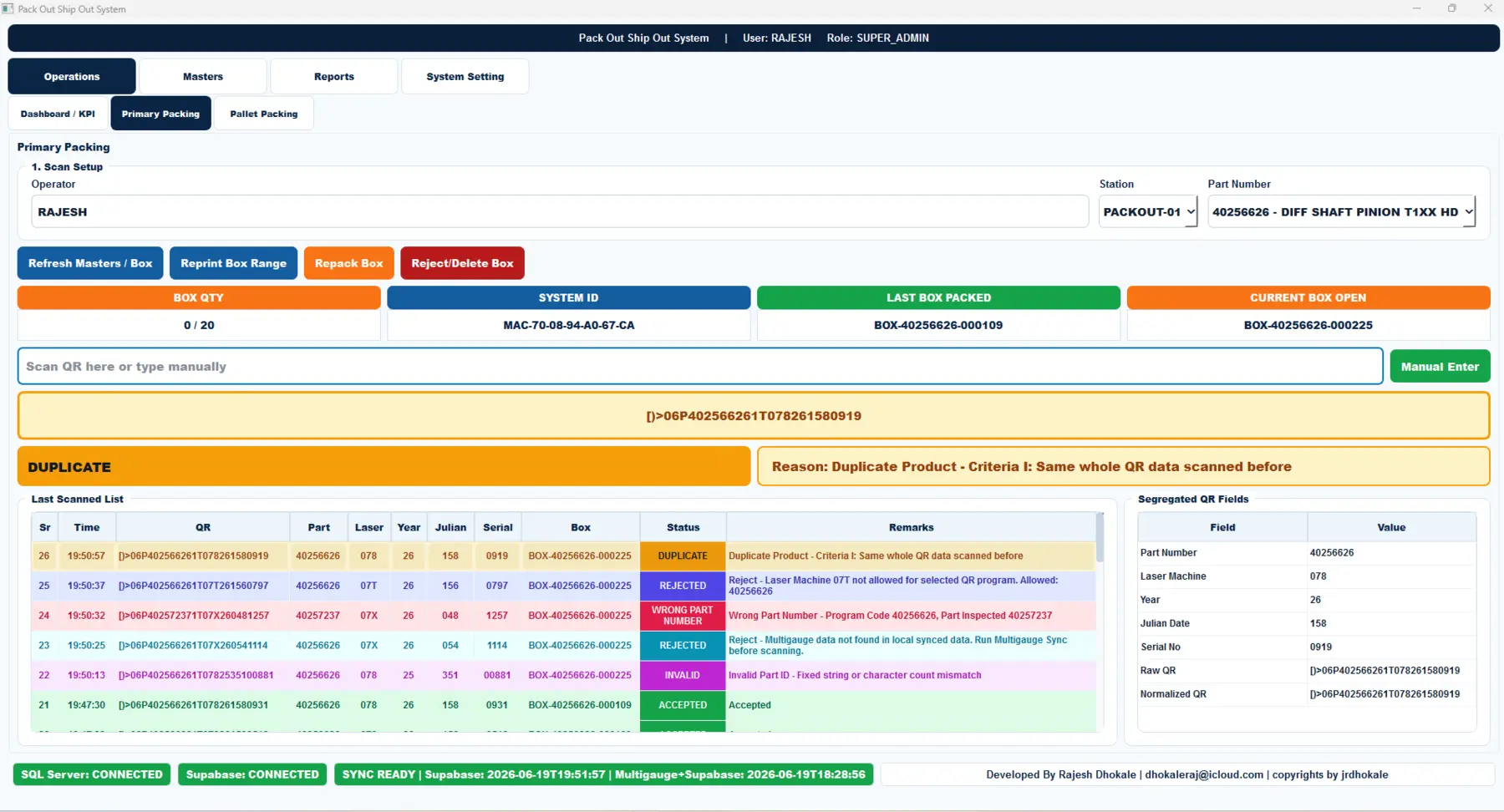
Every part QR is decoded and checked before it enters a box. Duplicates, wrong part numbers, unapproved laser machines and missing gauge data are stopped at the station.
- Shop floor
- SQL Server
- Cloud sync